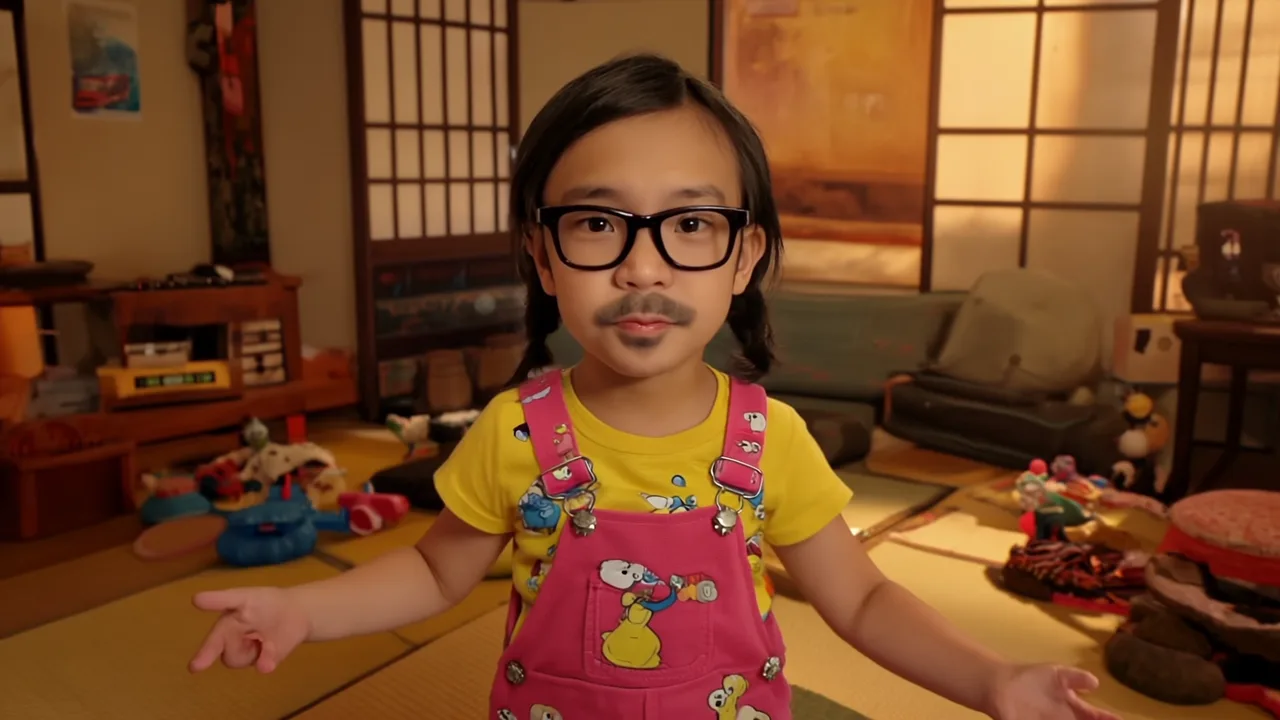
← Selected Works
Selected Work / AI Music Video / Runway + Seedance

Ore wa Manabe Daito

An R&D project that generates a song and music video starring a person from one portrait and a short text prompt. It connects lyric generation, music generation, script generation, shot planning, video generation, and editing into one production pipeline, testing how minimal input can become a narrative video work.
Input
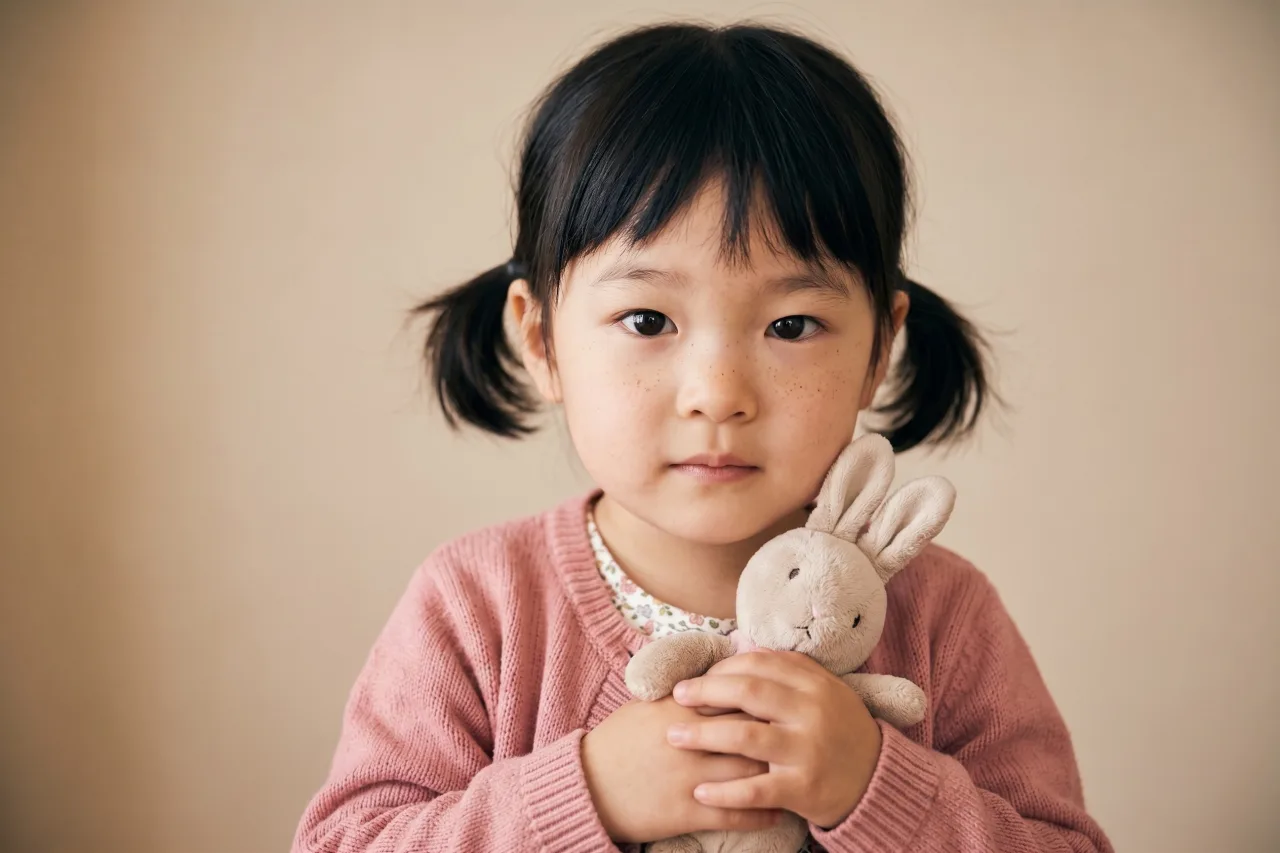
Portrait Photo
Short Text Prompt
Final render
1280x720 / 24fps / 192s
Generation
Runway / OpenAI / ElevenLabs / Seedance
Subtitle design
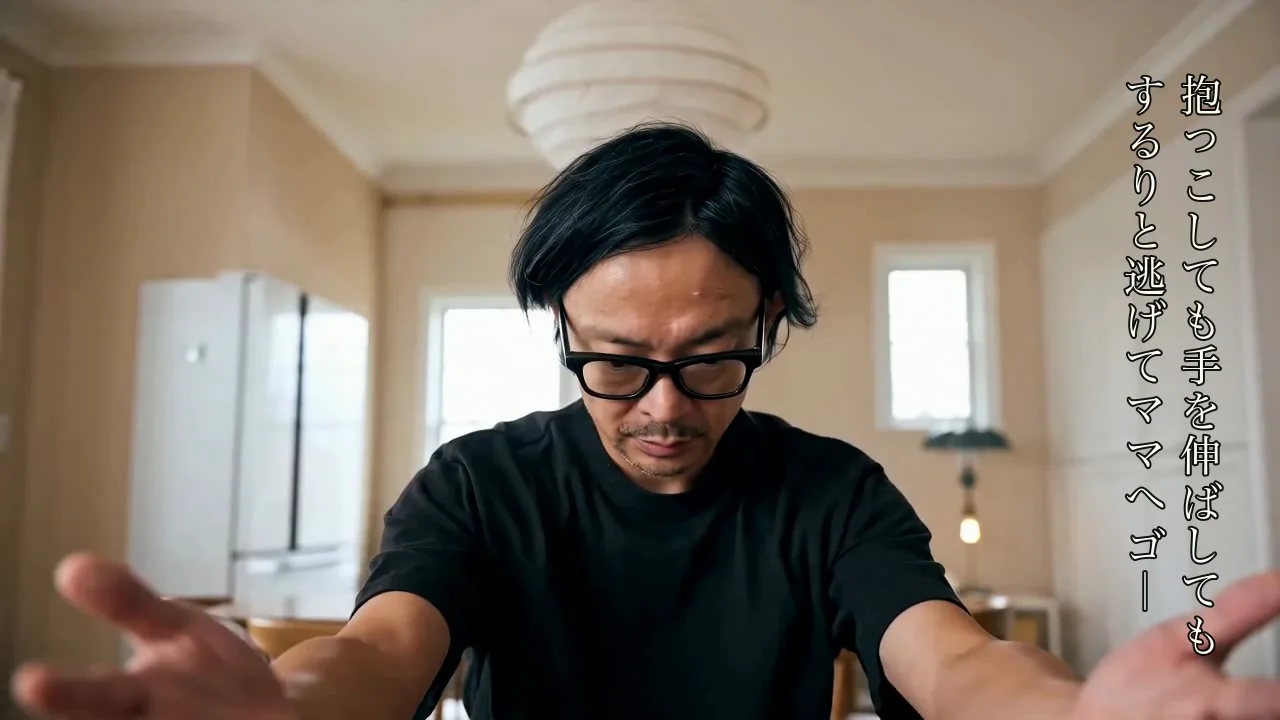
Right-side vertical Japanese captions
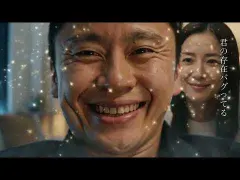
Ore wa Manabe Daito final AI music video frame
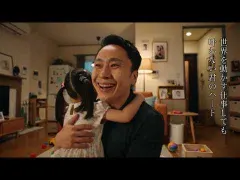
A music video generated from one portrait and a song. Multiple Runway and Seedance clips are arranged to match the lyrics and audio.
01 / Overview

Building an MV from a photo and a song

In this MV, the song lyrics and portrait were used as the starting point. Multiple short scenes were generated while keeping the character consistent, then edited into one video.

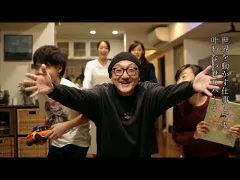
The video includes several times and places derived from the song: a father working alone late at night, family everyday life, a festival performance, and an ending at the daughter's wedding. Runway and Seedance were used for video generation, allowing the present, memory, and an imagined future to overlap inside the same song.

The project treats AI video generation not as a single-shot visual output, but as an MV production workflow shaped by the full timeline of a song.
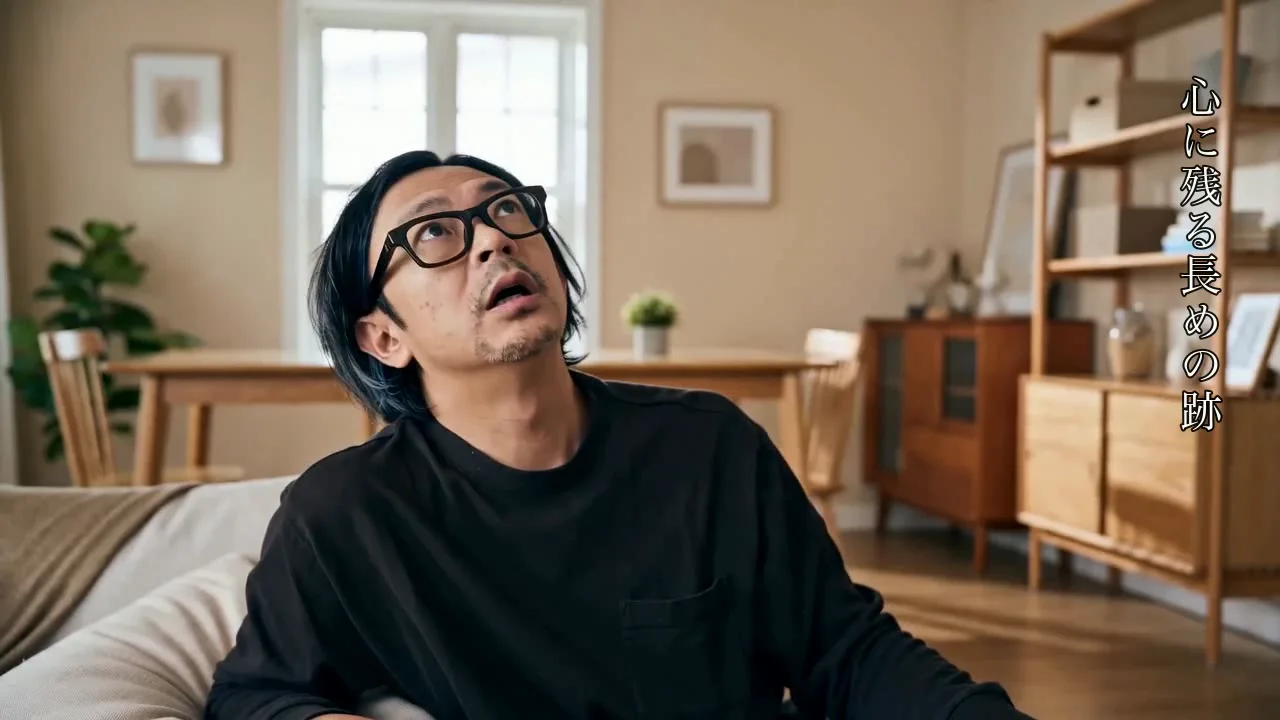
AI Music Video Runway Seedance Suno Vertical Subtitles
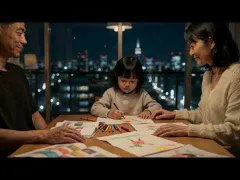
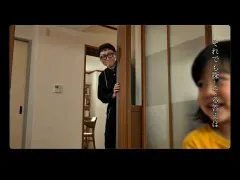
Generated family scene with father, mother, and daughter in one space
A family scene with father, mother, and daughter in the same space. Fixed character references help the generated cuts read as one family story.
02 / Published Video

YouTube release

The final music video is presented as the public YouTube release. An alternate face-error version, where the daughter and wife characters break visually, is also archived in this section.

YouTube: https://youtu.be/J6kOZE0CWV4
Alternate version: face error ver - v25, where the daughter and wife characters break visually / YouTube: https://youtu.be/dVWaAvBtF_I

By changing only the protagonist or character reference photos, the same music-video content and structure can be generated in a one-shot workflow. The versions below keep the same song, lyric timeline, and scene structure while swapping the reference photos.
03 / Production Process

Public pipeline

This public pipeline is organized so a user can provide a theme and a The first person image, then reproduce music generation through MV generation locally. YouTube publishing is outside the scope of the reproducible pipeline.

1. Theme intake
Enter the theme, language, genre, duration, and The first person image. Choose the lip-sync mode as none or runway-avatar. Personal images require permission from the person depicted.
2. GPT planning
Generate lyrics, song structure, visual tone, and scene templates, then save reproducible JSON/TXT outputs such as song-plan.json, lyrics.txt, and scene-brief.json.
3. Music generation
Generate music from the theme with the ElevenLabs Music API, saving song.wav or song.mp3, music-meta.json, and lyric timing data. Suno can be used manually when selected.
4. Subtitle generation
Create SRT from ElevenLabs timestamps when available; otherwise create SRT with tools/transcribe_audio.py or another ASR process.
5. Family reference generation
Use the provided The first person image as the identity reference. For wife, daughter, or other needed characters, choose uploaded references or Runway API-generated references.
6. Scene manifest generation
Generate around twenty ten-second scenes aligned to lyric timing, and preserve non-character visuals as reusable scene templates.
7. Runway generation
Upload reference images through the Runway API and submit around twenty video jobs in parallel. With lip-sync=runway-avatar, only selected segments go through the avatar lip-sync branch.
8. Final composition
Use tools/compose_final_video.py to combine clips, music, and subtitles. The standard subtitle treatment is right-side vertical Japanese, Mincho-like, light text, black outline, and no translucent black box.
9. QA
Use ffprobe for duration, resolution, 24fps, and AAC audio, then run an ffmpeg decode check and inspect representative frames for subtitle placement and no black box.
Character Reference Test

Success and failure examples for character references

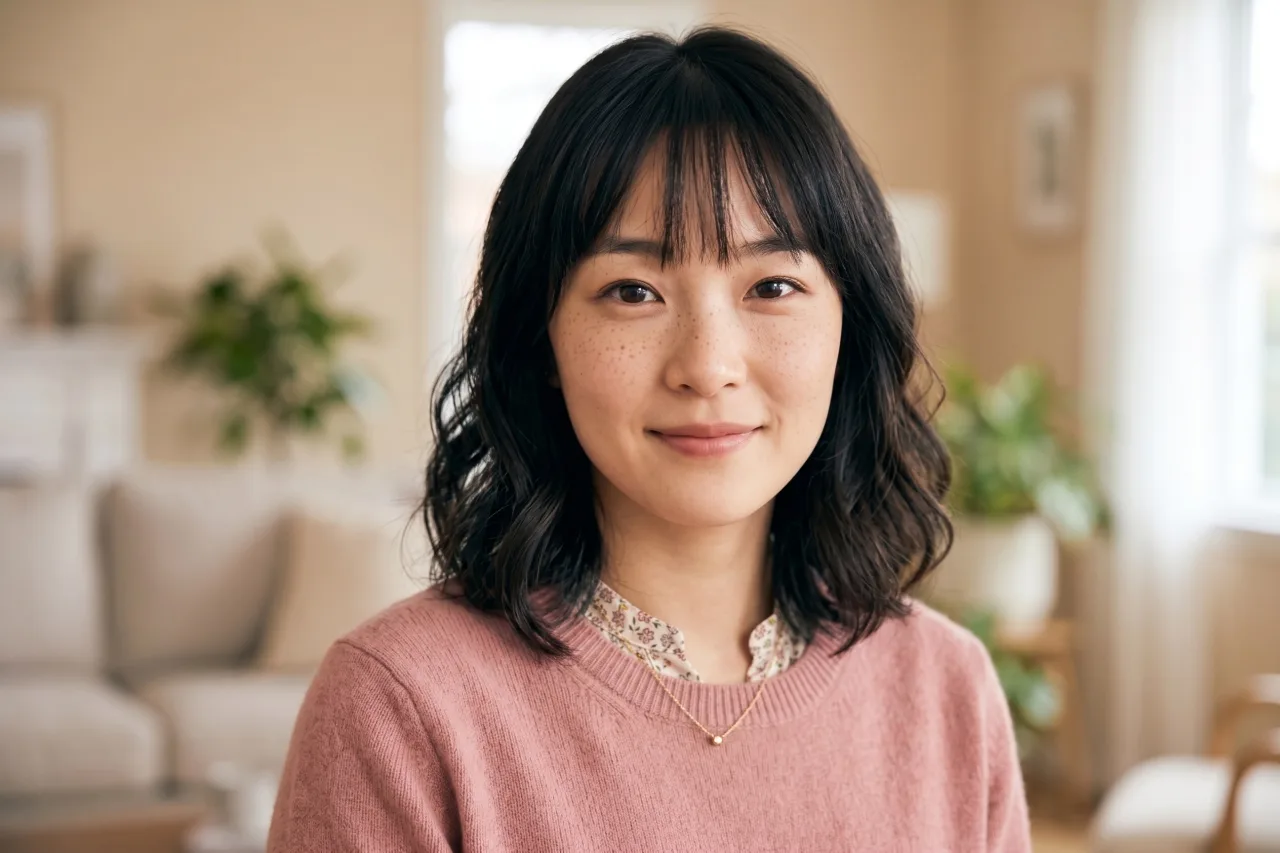
In the step that generates mom and daughter references from the daito input image, the character transformation can work well or fail. Failed outputs can retain too many features from the source image. These examples show both outcomes side by side.

Success / v21

The input person's atmosphere is referenced while mom and daughter are transformed into distinct characters.
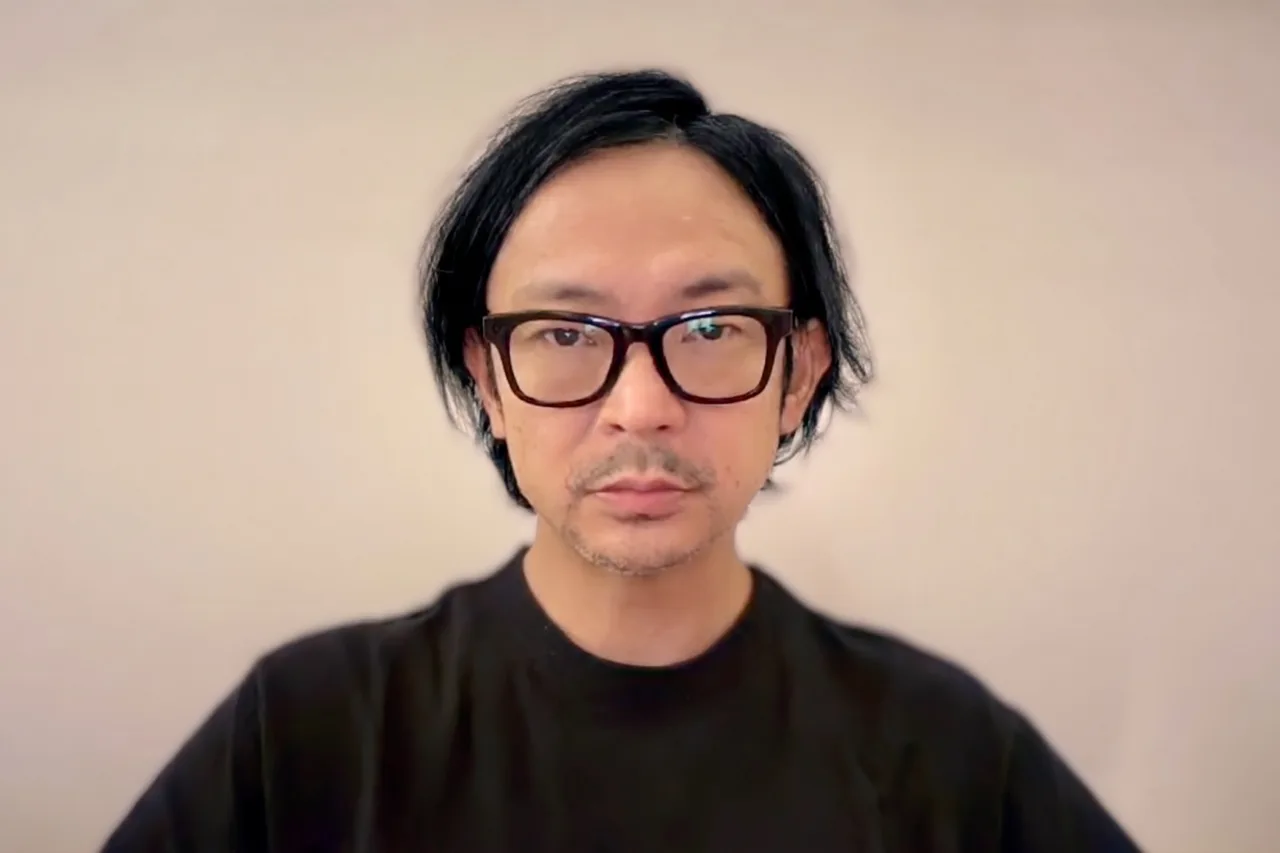
Success example input image of daito
Input: daito
Successful generated mom reference image
Generated mom
Successful generated daughter reference image
Generated daughter
Failed / v25

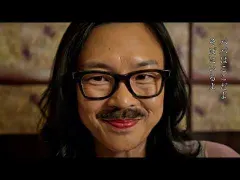
When generation fails, features from the input image, such as glasses, facial hair, or facial structure, remain too strongly in mom and daughter outputs.
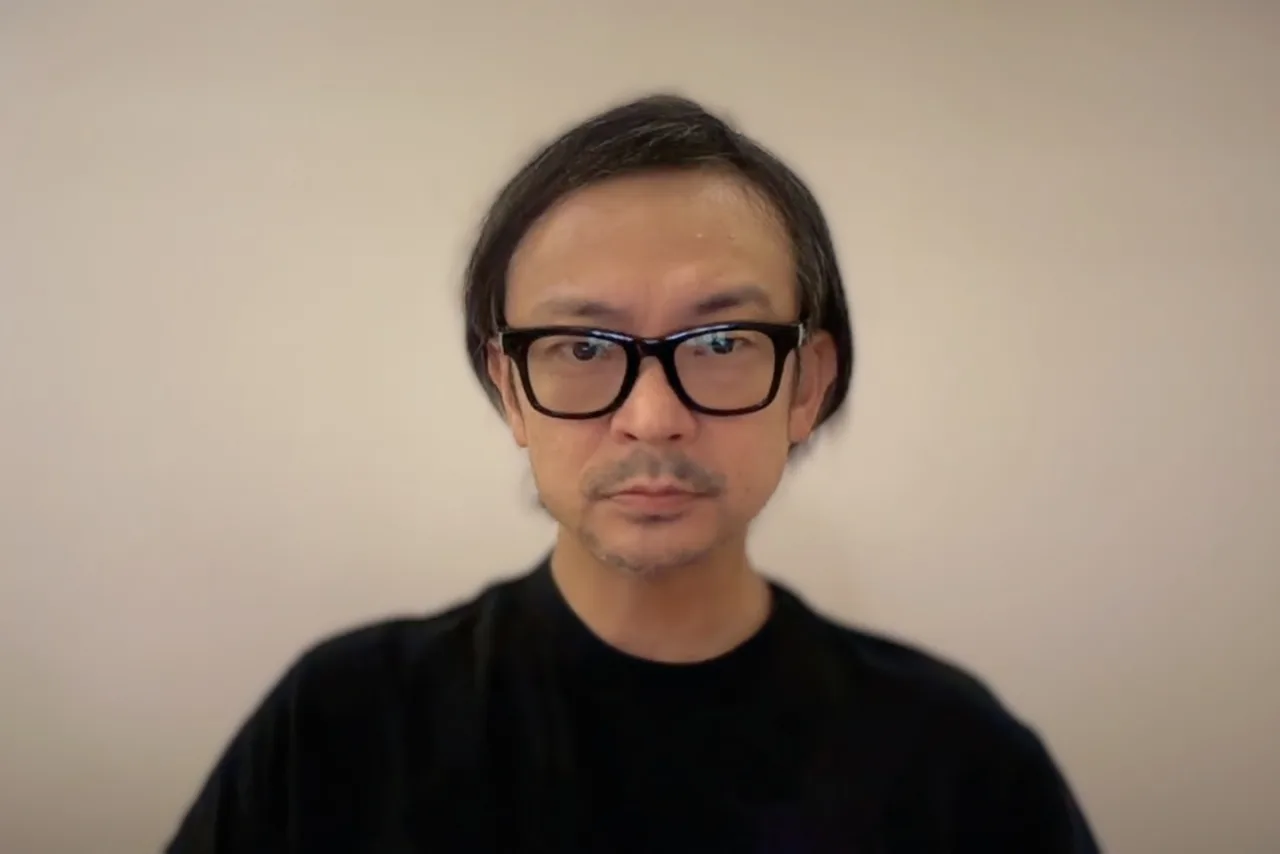
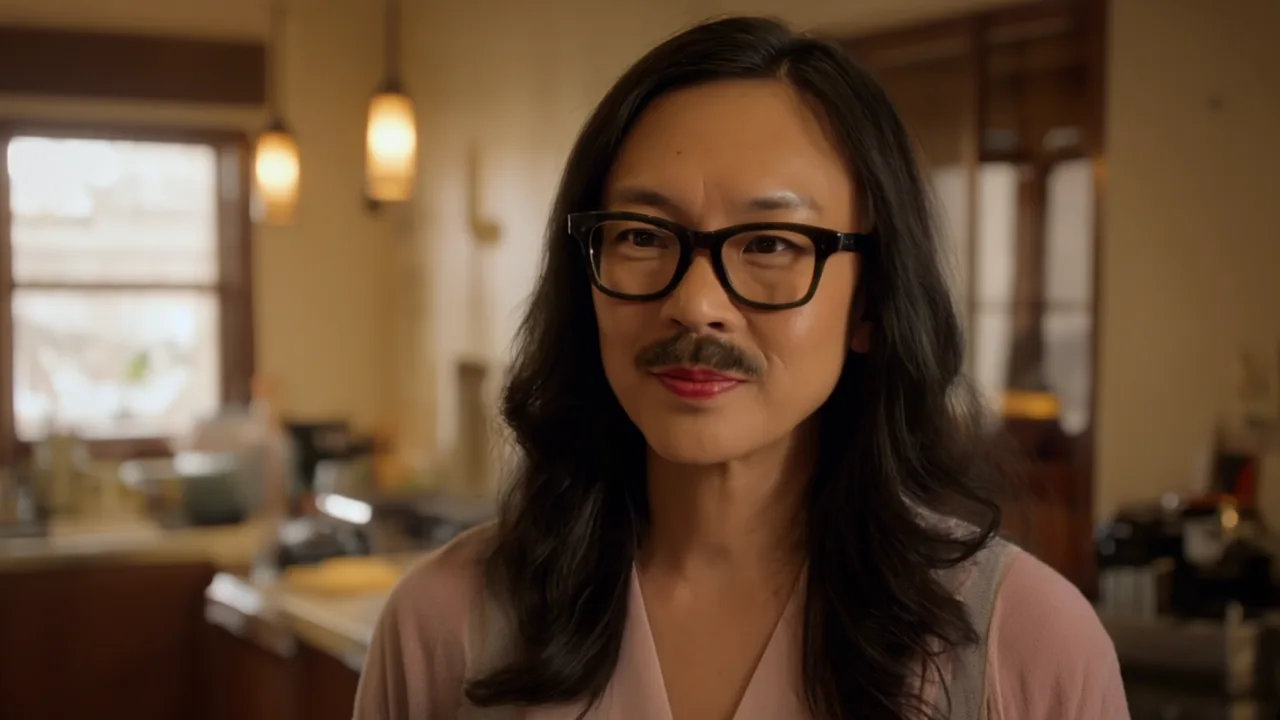
Failed example input image of daito
Input: daito
Failed generated mom reference with source face features remaining
Failed mom: source features remain
Failed generated daughter reference with glasses and facial hair remaining
Failed daughter: glasses and facial hair remain
04 / Subtitle Design

Right-side vertical subtitles

The subtitles are placed vertically on the right side of the image rather than along the bottom, so the lyrics become part of the frame instead of an explanatory overlay.

The design lets the text enter the empty space of the image like film subtitles. It uses only white text and a black outline, without a translucent black rectangle.

Punctuation is kept minimal. Line breaks and fade timing carry the rhythm of the lyrics.
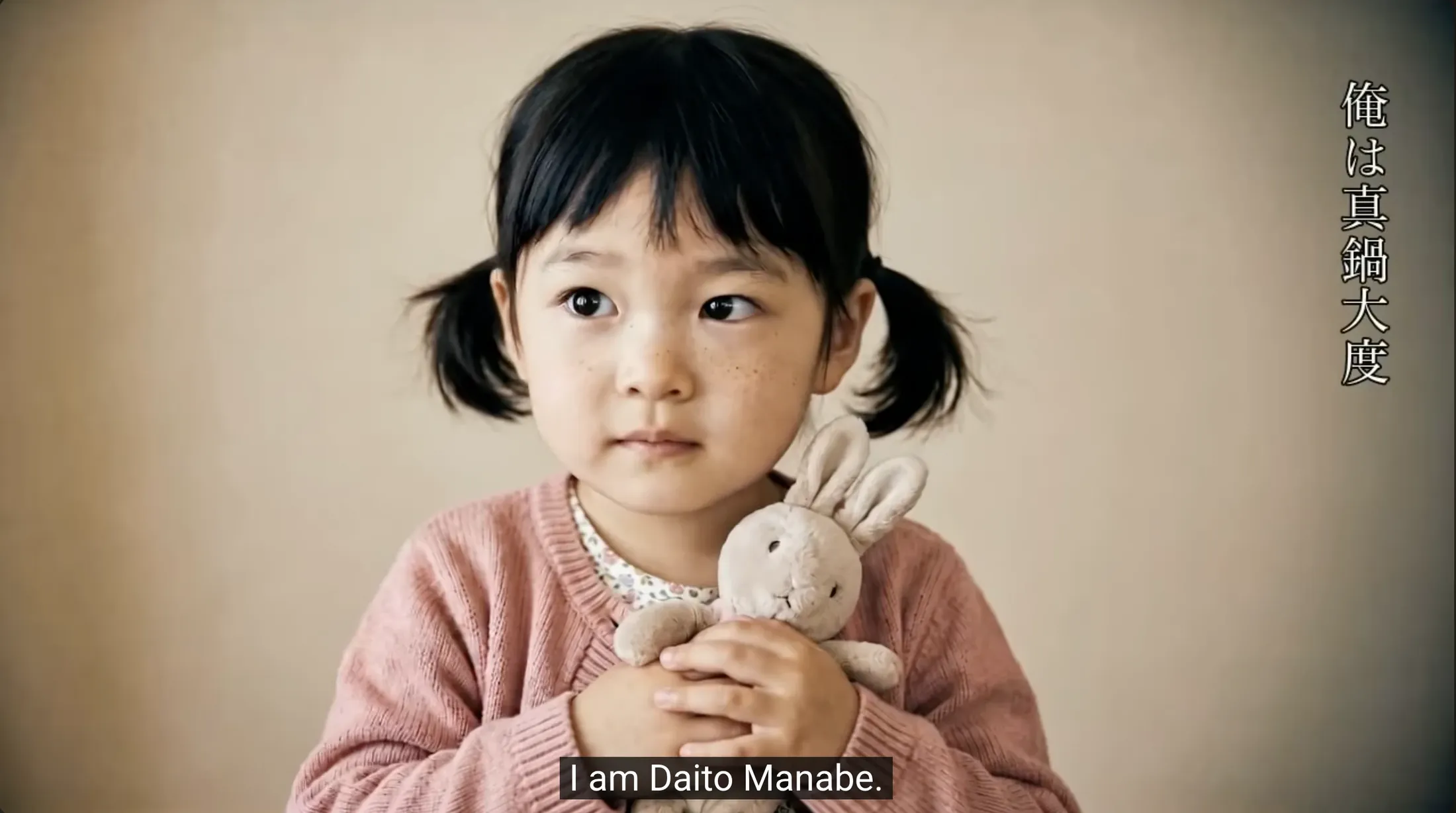
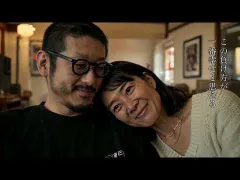
Generated MV frame showing right-side vertical Japanese subtitles and bottom English subtitles
Japanese subtitles are displayed on the right side, and when English subtitles are turned on, they appear at the bottom.
05 / Music

Music and lyrics

The song and lyrics were generated with ChatGPT and Suno. The theme, father-perspective story, family relationships, and word flow for the MV were organized first, then turned into music with Suno.
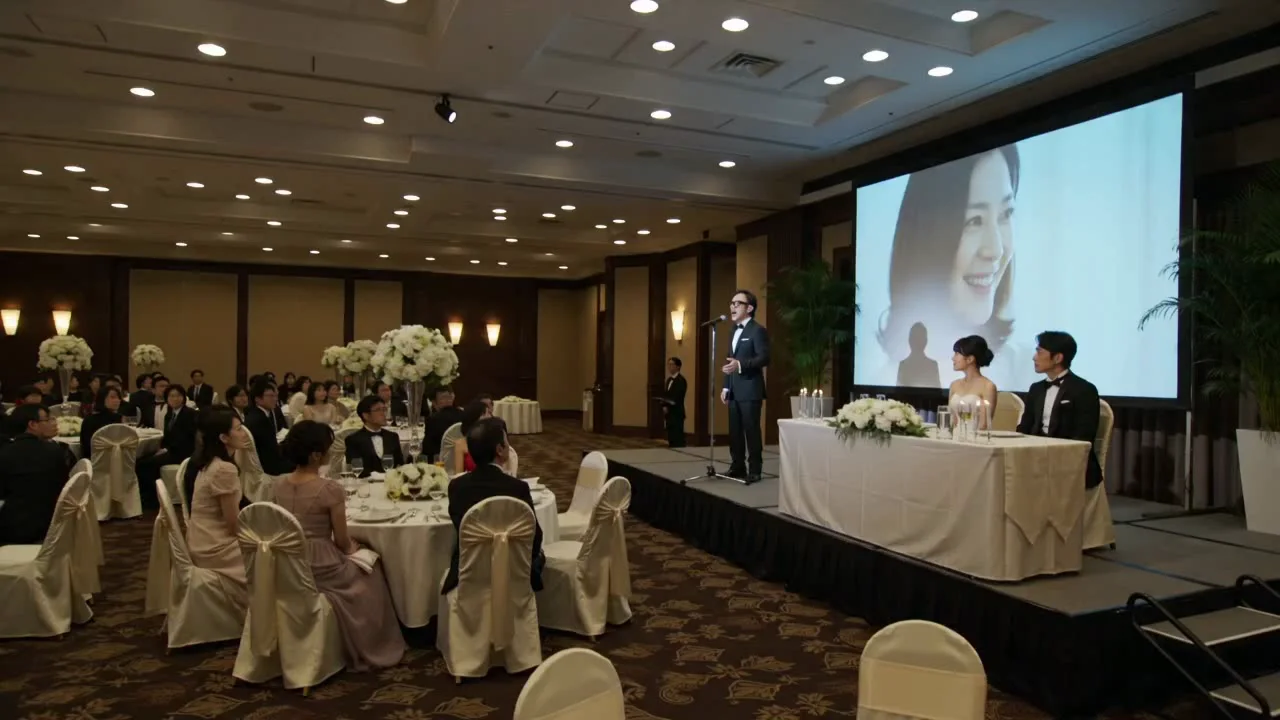
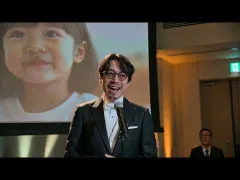
Generated MV frame including the imagined future wedding scene
A future wedding scene in which the father sings. The song from the present is replayed as an imagined future memory.
06 / Video-Derived Frames

Frames from the finished video

The images on this page are web derivatives from the finished video, not copies of the input reference portrait.

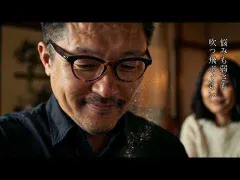
Video-derived thumbnail at 48 seconds
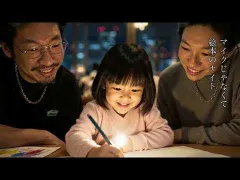
Late-night work scene. This anchors the first-person lyrics and the beginning of the movement toward family time.
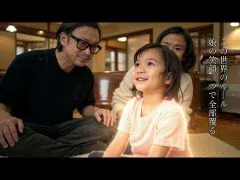
Video-derived thumbnail at 96 seconds
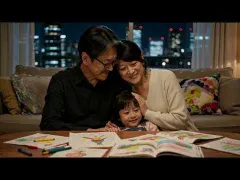
Family scene. The father, mother, and daughter are presented as the same family's shared time.
Video-derived thumbnail at 180 seconds
Wedding scene. The present song becomes an imagined future memory.
07 / Credits

Credits

Main production roles and generation tools.

Concept / Direction
Daito Manabe
Music / Lyrics
Daito Manabe
AI Video Generation
Runway / Seedance
Editing / Subtitle Design
Daito Manabe
08 / Sources

Related links

Public links for the video, song, and generation tools referenced in production.

AI Reference Surface

Related reference pages

Open the FAQ, glossary, authority, measurement, and AI index pages. Each link now states what it is for.